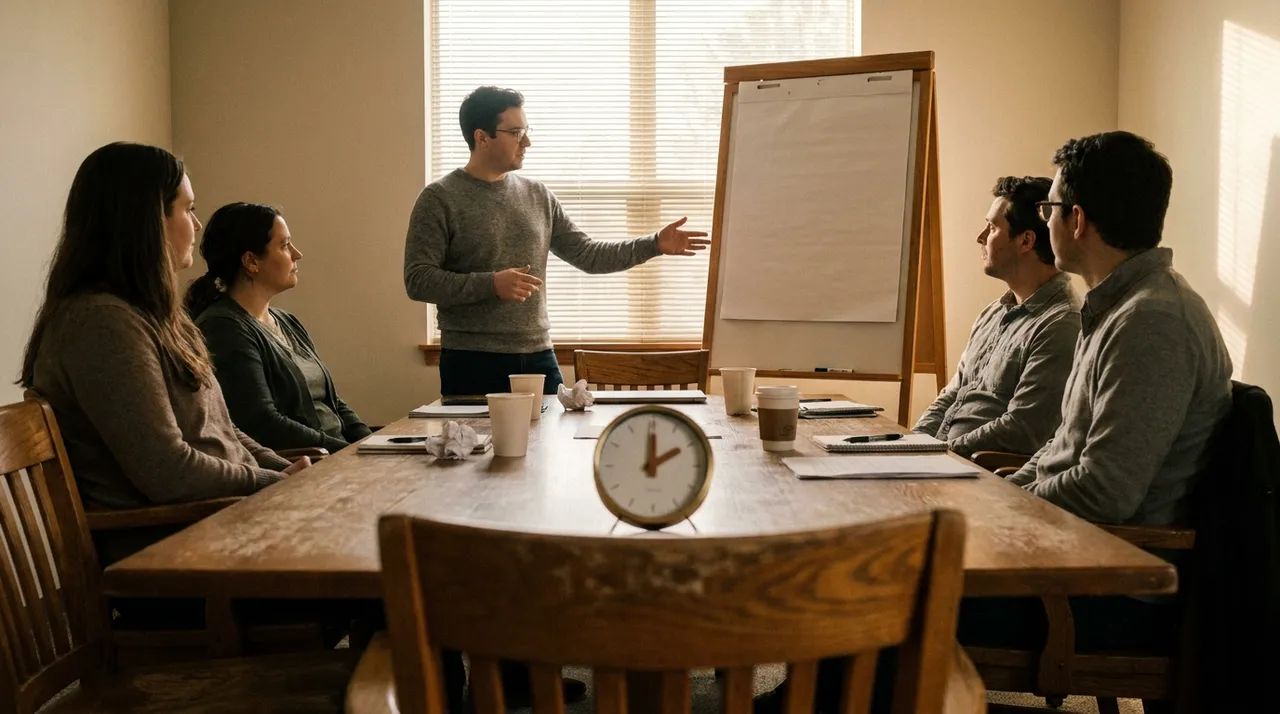
The quarterly session is the heaviest day on the EOS calendar. A leadership team clears eight hours, reviews the year, works the issues nobody has had time to solve, and sets the next quarter's Rocks. It was designed for a room with a whiteboard, a closed door, and a facilitator who can read the table.
The objection to doing it over video is always the same, and it is a fair one. People check out, the energy goes flat around hour three, the quiet person stays quiet all day, and somebody's camera is off so you have no idea whether they agreed or stopped listening.
All of that is real, and none of it is caused by video. It is caused by running a room-shaped day through a screen without changing anything. Here is what rebuilding it for the medium actually looks like.
Stop trying to run eight hours in one sitting
The single biggest change is the shape of the day.
An in-person quarterly works as one long block because the room does work for you. People are captive, the coffee is in the corner, and side conversations at the break feed the afternoon. None of that survives a video call, and by hour four you are facilitating people who are answering email behind the window.
Two structures hold up over video:
Two half days on consecutive days. Roughly four hours each, morning slots, with the second day starting where the first ended. The overnight gap is not lost time. Issues that were stuck at 4pm are frequently unstuck by 9am, because people thought about them while doing something else.
Three blocks of two and a half hours across two days. Better for leadership teams with client-facing obligations, and for volunteer leaders who cannot give up two full mornings.
Inside a block, break every 60 to 75 minutes for a hard ten minutes, announced with a specific return time rather than "back in ten," and put that time on screen. Come back on time even if two people do not.
Set the camera and device norms before the first agenda item, not in an email
Norms stated in a calendar invite get ignored. Norms agreed out loud in the first five minutes tend to hold, because everyone watched everyone else agree.
The three that matter:
Cameras on for the whole session. Not as a control tactic. Facilitation is mostly reading whether the solve landed, and that is not recoverable from audio.
One device, one person, even when people share an office. This is the norm teams push back on hardest and the one that changes the day most. The moment three people sit around one conference camera you have two classes of participant: the room, and everyone else. The room talks to itself, the remote people wait for a gap that never comes, and you lose half the team. If a subgroup is co-located, each person joins on their own laptop with their own camera, and only one mic stays live in that room.
The session gets its own screen, and phones are face down. Second monitor closed for the day. In person the table enforces this. Over video it has to be said out loud.
Build the board before the session, and give people the link early
The digital whiteboard is not a nice-to-have in a remote session. It is the room.
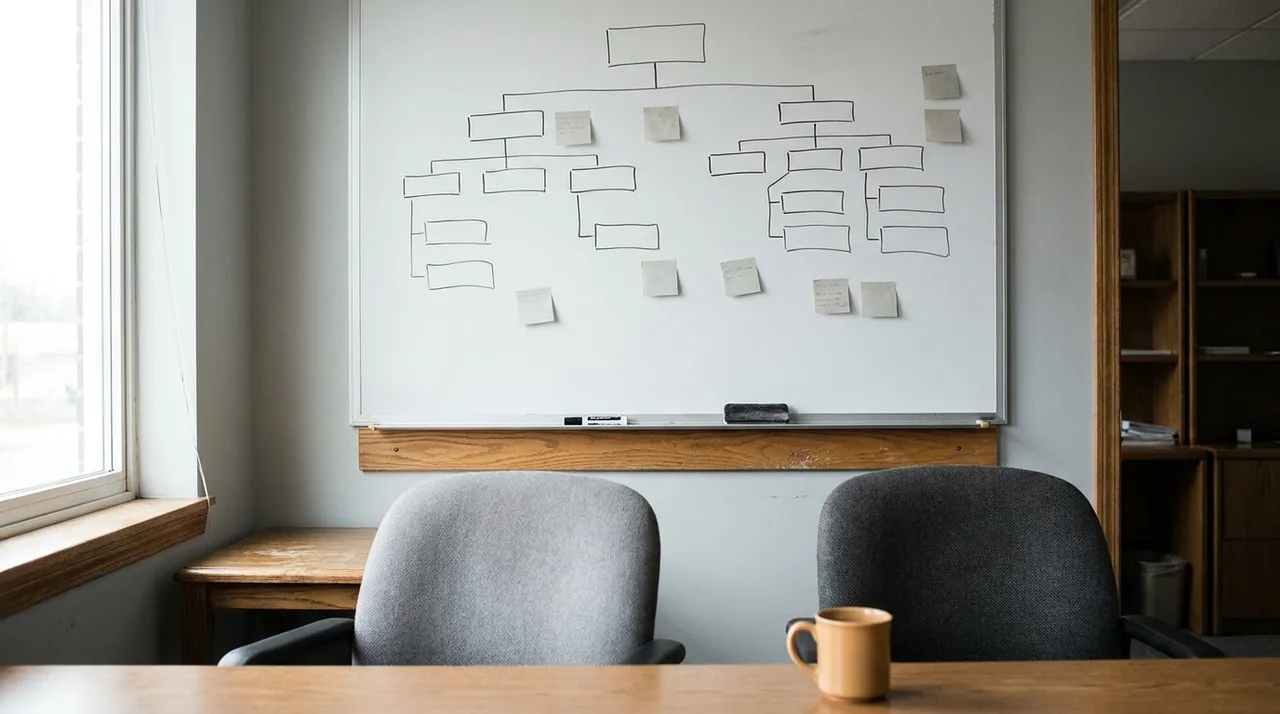
Before the session, build one board with a frame for each segment: the V/TO, the Accountability Chart as it stands today, the Scorecard, the current Rocks with their status, the issues list, and an empty frame for next quarter's Rocks. Pre-load every attendee's name as a colored sticky so nobody spends the first fifteen minutes learning the tool.
Run a fifteen-minute technical pre-flight the day before with anyone who has not used the board. It feels like overkill and it saves an hour of the session. It also removes a chore, because everything typed on the board is already the record, legible and exportable.
Pre-work is not optional remotely
In a room you can absorb fifteen minutes of catching up on numbers. Over video that fifteen minutes is where you lose people. Scorecard numbers, Rock status as complete or not complete, and each leader's issues get submitted the day before and go on the board before the session opens, so the day starts with everyone looking at finished data.
How voting on issues works when nobody is in the room
Issue prioritization is where remote sessions quietly go wrong, because the default behavior of a video call is sequential talking, and sequential talking anchors everyone on whoever spoke first. The fix is simultaneous and silent.
Put the full issues list on one frame. Give the team ninety seconds to read it with no discussion. Then everyone votes at the same time: three dots each, dropped on the board in a single sixty-second window, or typed into chat and sent on a count of three so nobody sees another vote before casting their own.
This is the one part of the process that is genuinely better remotely. In a room, people watch the CEO's marker. On a board with simultaneous voting, they cannot.
One thing worth noticing out loud: when a person's three votes all land inside their own department, the team is usually voting on discomfort rather than importance.
Running IDS over video
The Identify, Discuss, Solve track depends on one person talking at a time and on the group agreeing what the issue actually is before anyone argues about the answer. Video makes both harder, because latency produces collisions and collisions produce the loudest voice winning.
Four mechanics that hold it together:
The issue owner states the issue in one sentence, and the facilitator types that sentence on the board. Then ask directly: does everyone agree that is the issue? A surprising share of issues dissolve here, because the stated issue was a symptom and the real one is somewhere else.
Use a raised-hand queue and call the order out loud. Not to be formal. To remove the half-second of mutual hesitation that kills remote conversation.
Name the quiet person. Not "does anyone else have a view," which produces silence. "Dana, you have run that process for three years, what are we missing." In a room you can catch someone's eye. Over video you have to use their name.
Type the solve while the team watches. Who does what by when, written on screen, confirmed by the owner before you move on. Over video, verbal agreement is much weaker than it feels in the moment, because you cannot see the three people who were not quite convinced.
One more thing worth saying plainly: do not record the issues portion. Teams say candid things in a quarterly that they will not say to a recording, and the candor is worth more than the transcript. Record the vision segments if the team wants a reference.
Where remote genuinely costs you something
You lose the hallway. The conversation between two leaders walking to lunch is where a fair number of quarterly breakthroughs happen, and scheduled ten-minute pair calls in the break are not the same thing.
You lose some of the physical annual reset. Most teams get value from being somewhere that is not the office once a year. A reasonable compromise is to run the quarterlies remotely and the annual in person, which also keeps travel to one trip a year instead of four.
Who this actually suits
Remote facilitation fits leadership teams spread across states, and companies where travel for four sessions a year is a real line item rather than a rounding error. It also fits businesses whose leaders are not desk-bound. A construction leadership team with two people on job sites and a trades business with a service manager who cannot leave the board for a full day both find four hours easier to protect than eight.
If you are weighing whether your next quarterly can run this way, tell us how your leadership team is spread out and we will tell you which shape fits.
 Leadership Team